Using the MACg Text Editor
The MACg text editor provides an MS Word-like editing tool. Making it easy for users to edit MACg AI-generated content without the need to switch between MACg and their desktop editing software. Users can move text, type, delete, bold, cut and paste, and many other editng features. Manage citations with the intergrated citation tool.

Using the MACg text editor: How to Create and Edit Text Documents
Overview
The MACg text editor is one of the most useful features of the platform. It enables users to turn AI outputs into a text document that can be edited within MACg. The full text editor works with the proprietary citation generation tool, providing a powerful option for creating and managing citations and creating reference lists within the MACg platform.
This removes the need to create content on one platform, edit it on another, then manage citations on yet another platform. MACg seamlessly provides these capabilities, saving users time and cost, and reducing the friction in content creation and citation management.
Key Features:
- Supports text, images, and tables
- Has many features of MSword
- Integrated with the citation generator
- Supports cut/paste
- Cite anywhere with one click and automatically rearranges citations
Creating and Editing a text document
Open the text editor by selecting:
“New Document” from the Dashboard, or select
“Create New Text document” at the end of any chat response
If opening from the Dashboard, the editor will be blank. Use the chat feature to create your content, then transfer it to the editor.
If opening from a chat, the editor will be automatically populated with the content of the chat.
To add additional content to the editor from your chat, when the editor is already open, select “Create New, Add to Document,” and any additional content will be sent to the editor. You can also select "Copy" and paste your content into the editor.
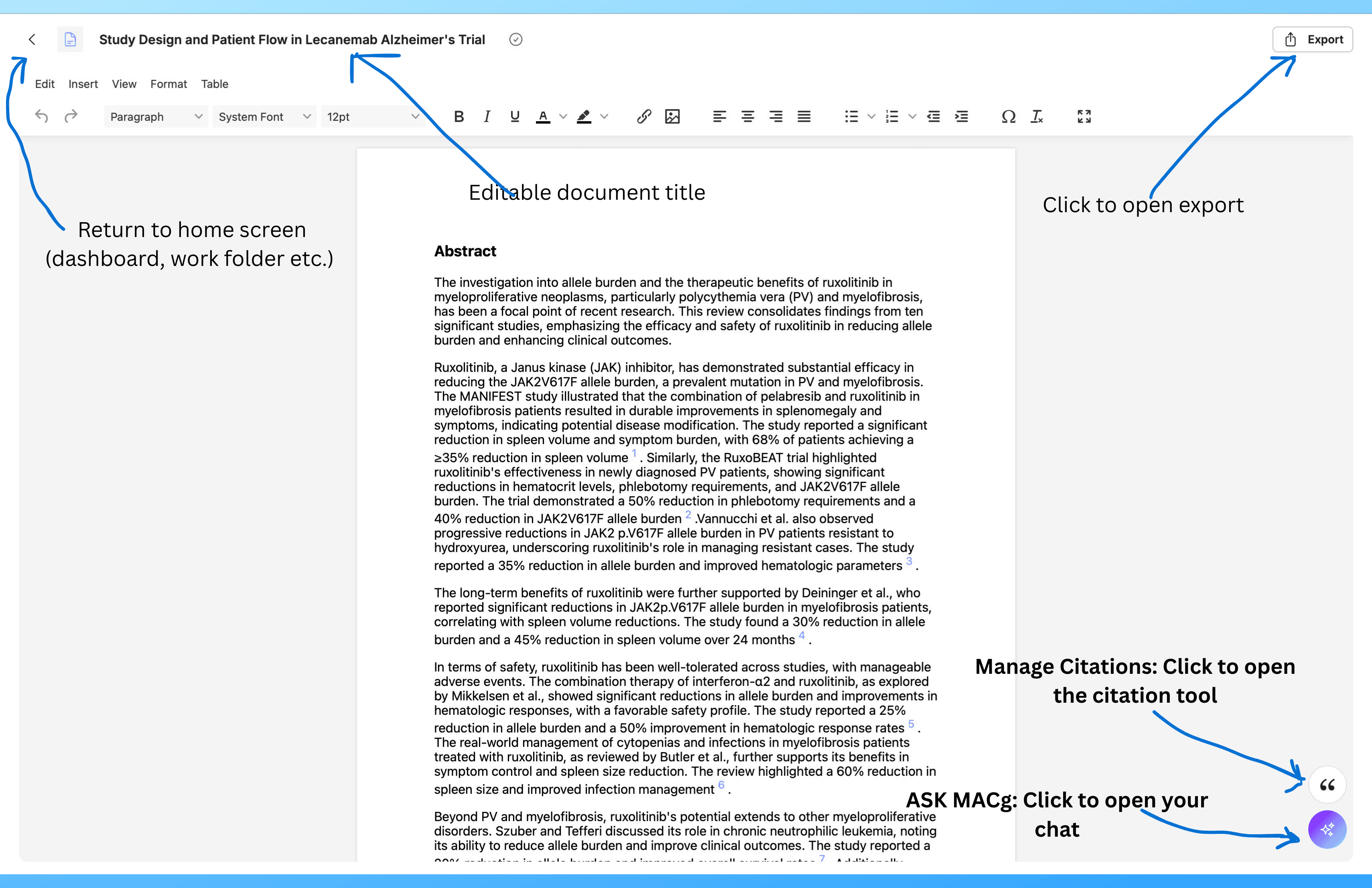
Click on the ASK MACg button to open the chat window
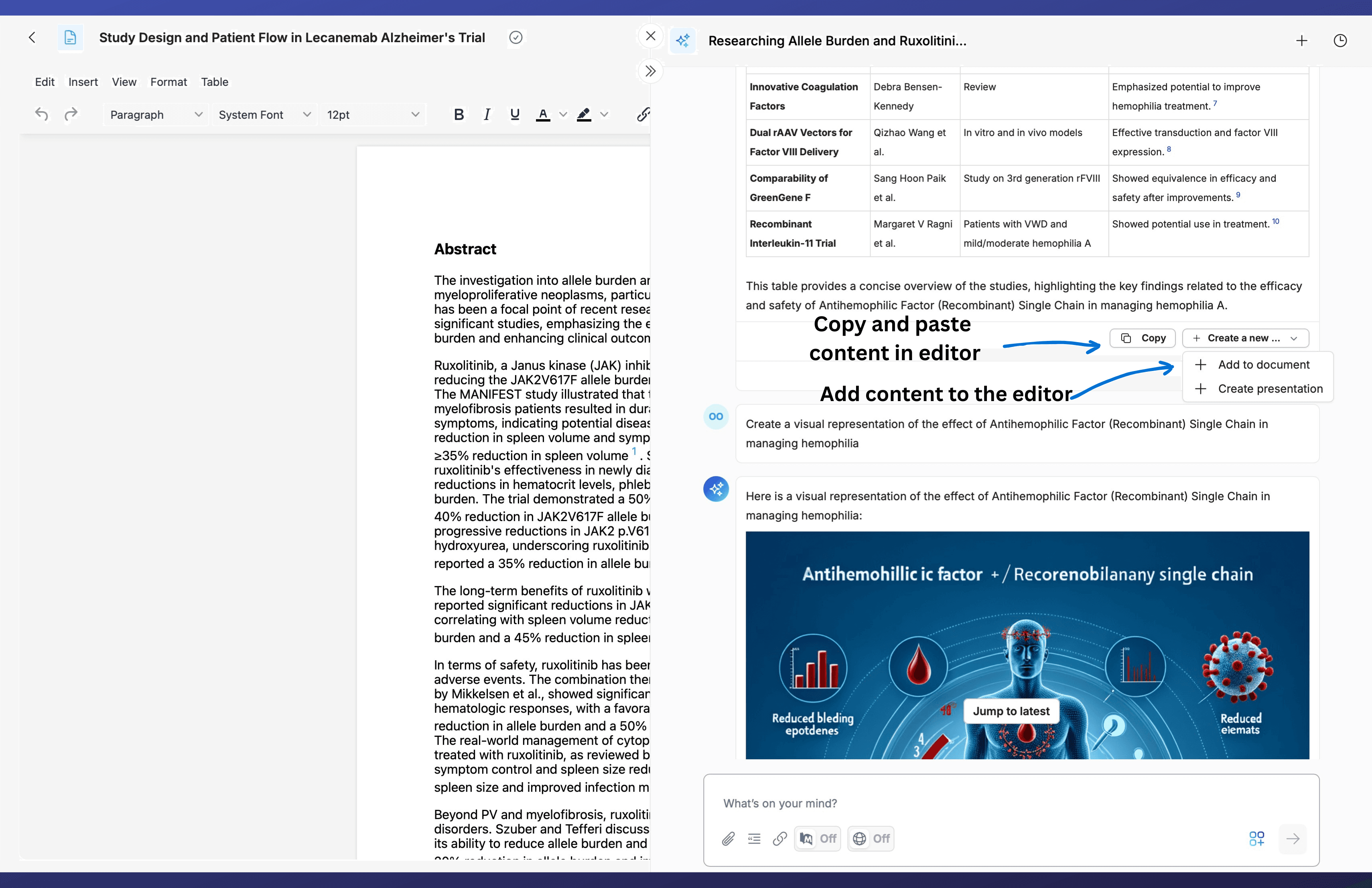
Editing content in the editor
Use the editor like you would use MS Word. Type, delete, highlight, italicize, bold, cut or paste text, and much more.
Managing citations and creating reference lists (see the citation management section)
Exporting your work from the text editor
Select “Export” at the top right corner of the page when viewing the editor.
Choose DOCx or PDF
Select Export and you content will be sent as an email with a download link.
Saving your work
Your text document is automatically saved in your work folder and you can access it later by double-clicking on the file.
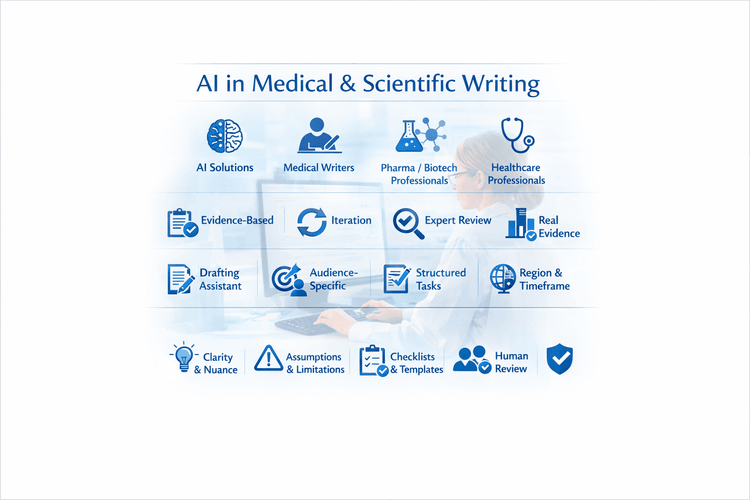
10 Tips For Using MACg and Other AI Solutions For Medical and Scientific Writing
This article shares 10 practical tips for medical writers, pharma/biotech professionals, HCPs, and researchers on how to use MACg and other AI solutions effectively and responsibly. It emphasizes that MACg's AI agent training knowledge is not a citable evidence base and must be anchored in real, verifiable sources such as publications, CSRs, labels, guidelines, and internal documents. Readers are encouraged to treat all AI outputs as Version 0.1, iterating with expert review rather than accepting the first draft. The article frames MACg as a drafting and thinking assistant, not an autonomous author, and stresses the importance of clear prompts about audience, purpose, region, timeframe, and scope. It recommends breaking complex projects into smaller tasks, using MACg to improve structure and clarity, and explicitly asking for limitations and caveats. Finally, it advocates creating institutional checklists and making expert human review and sign‑off mandatory for any impactful content.

Mar 1, 2026

AI Prompt Examples For Life Science Research And Writing
Here are ninety AI prompt templates for research and medical writing. Researchers, medical affairs, students, and healthcare professionals can use these prompts to create quality content using AI platforms.

Mar 12, 2025
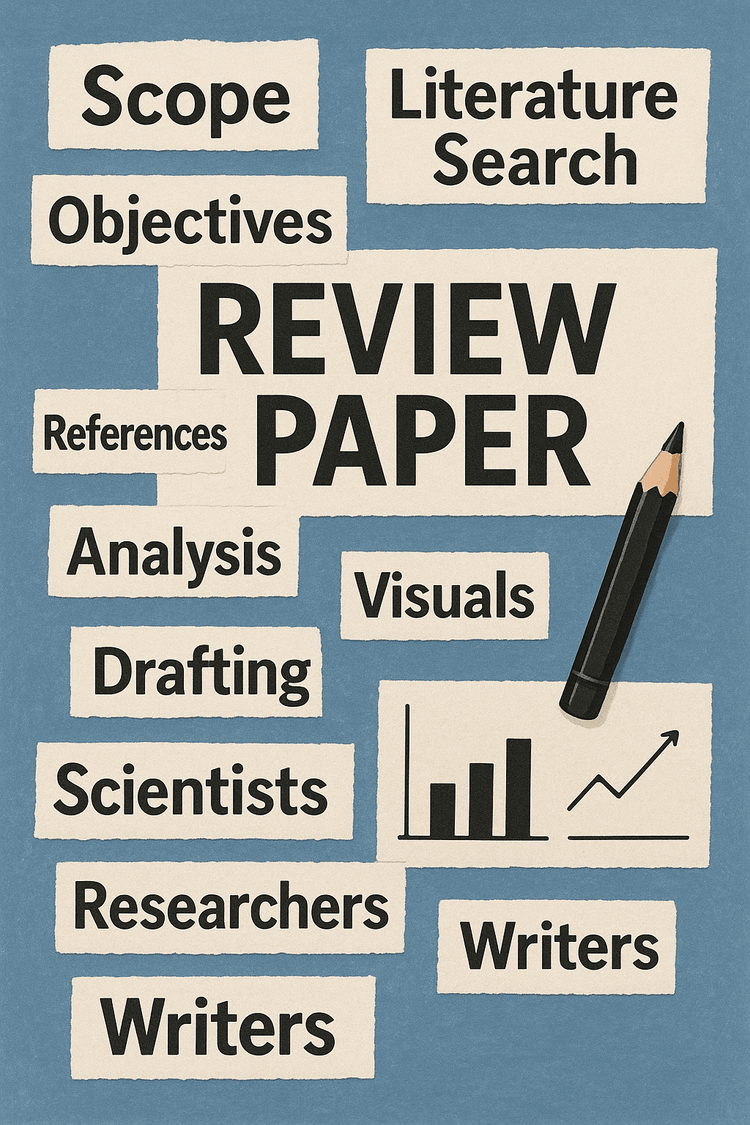
How to Efficiently Write a Scientific Review Article with MACg: Your AI-Powered Assistant for Academic Writing, Automated Research, and Citation Management
Discover how MACg, the AI-powered writing assistant, transforms the process of crafting a scientific review article. This step-by-step guide reveals how MACg automates key tasks-from defining your research scope and conducting literature searches to drafting content and creating visuals-all in under 30 seconds per task. With example prompts and insights into time savings, learn how MACg reduces the writing process from weeks to hours, allowing you to focus on analysis and innovation. Dive into the future of efficient academic writing and see how MACg can revolutionize your workflow.
Jul 26, 2025