AI Scientific Presentation Generator for Healthcare & Life Sciences
Create evidence-based slide presentations from scientific literature, research documents, and clinical data with AI-powered writing, citations, visuals, and editing in one workspace.
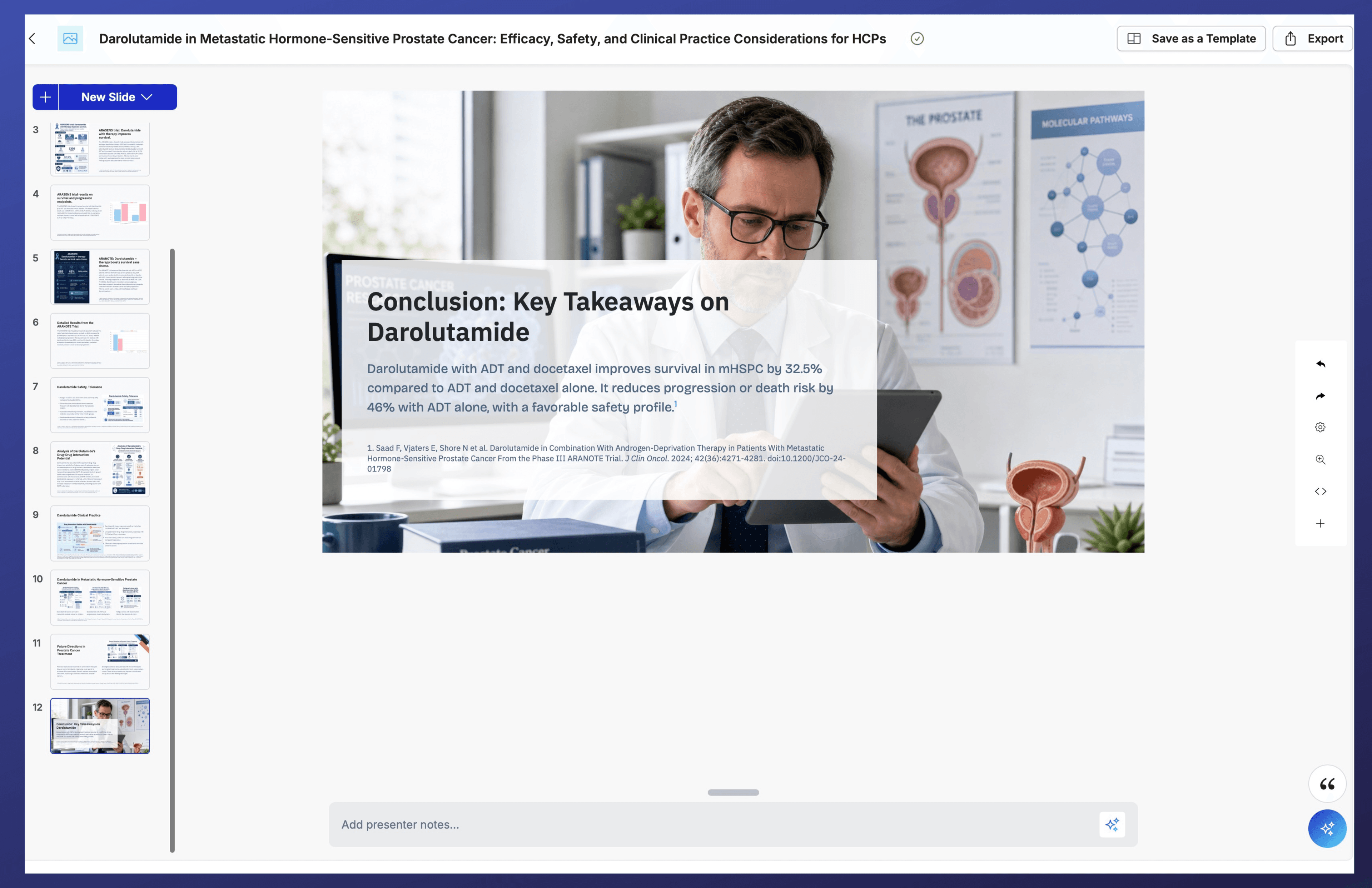
AI Scientific Presentation Generator with Citations
Generate evidence-based, editable, and cited scientific presentations using PubMed or your content. Built for healthcare and life sciences.
Beyond AI Slide Generation
General AI presentation tools create visually appealing slides. Healthcare and life sciences professionals use MACg to communicate scientific evidence accurately, clearly, and with confidence.
Watch an overview of the MACg slide generator
Built for Scientific Communication Designed for medical affairs, scientific communications, research, clinical education, and healthcare professionals—not generic business presentations.
Evidence You Can Trust Generate presentation-ready content grounded in trusted literature, with integrated citations and automatically formatted bibliographies in AMA, APA, or MLA styles.
Communicate Complex Science Clearly Transform complex scientific concepts into publication-quality charts, diagrams, tables, and infographics that improve understanding—not just aesthetics.
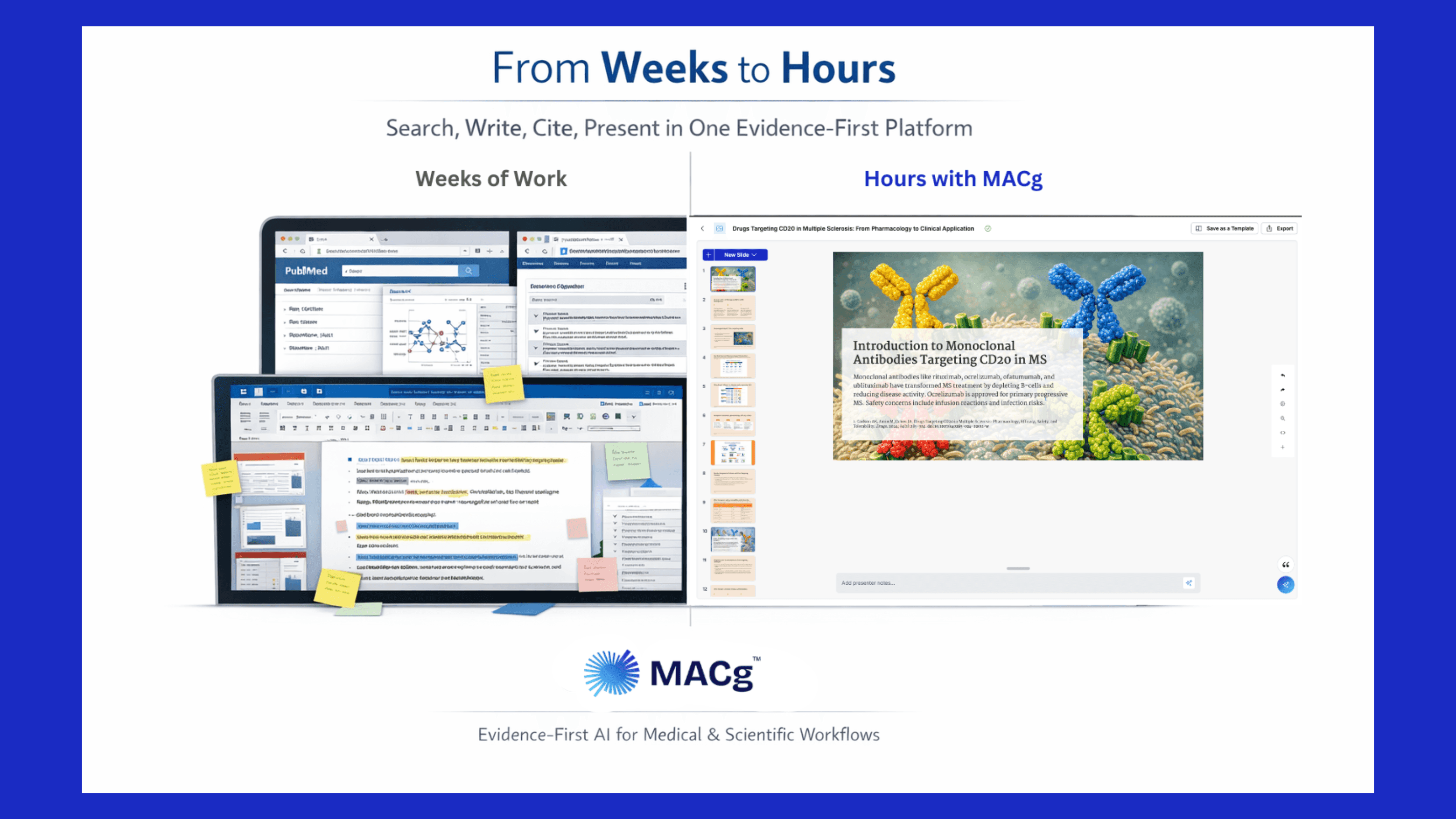

Why Scientific Teams Choose MACg
Accelerate content creation while maintaining the quality, consistency, and scientific rigor required in healthcare and life sciences.
Try MACg freeEvery Great Scientific Presentation Starts with a Strong Story
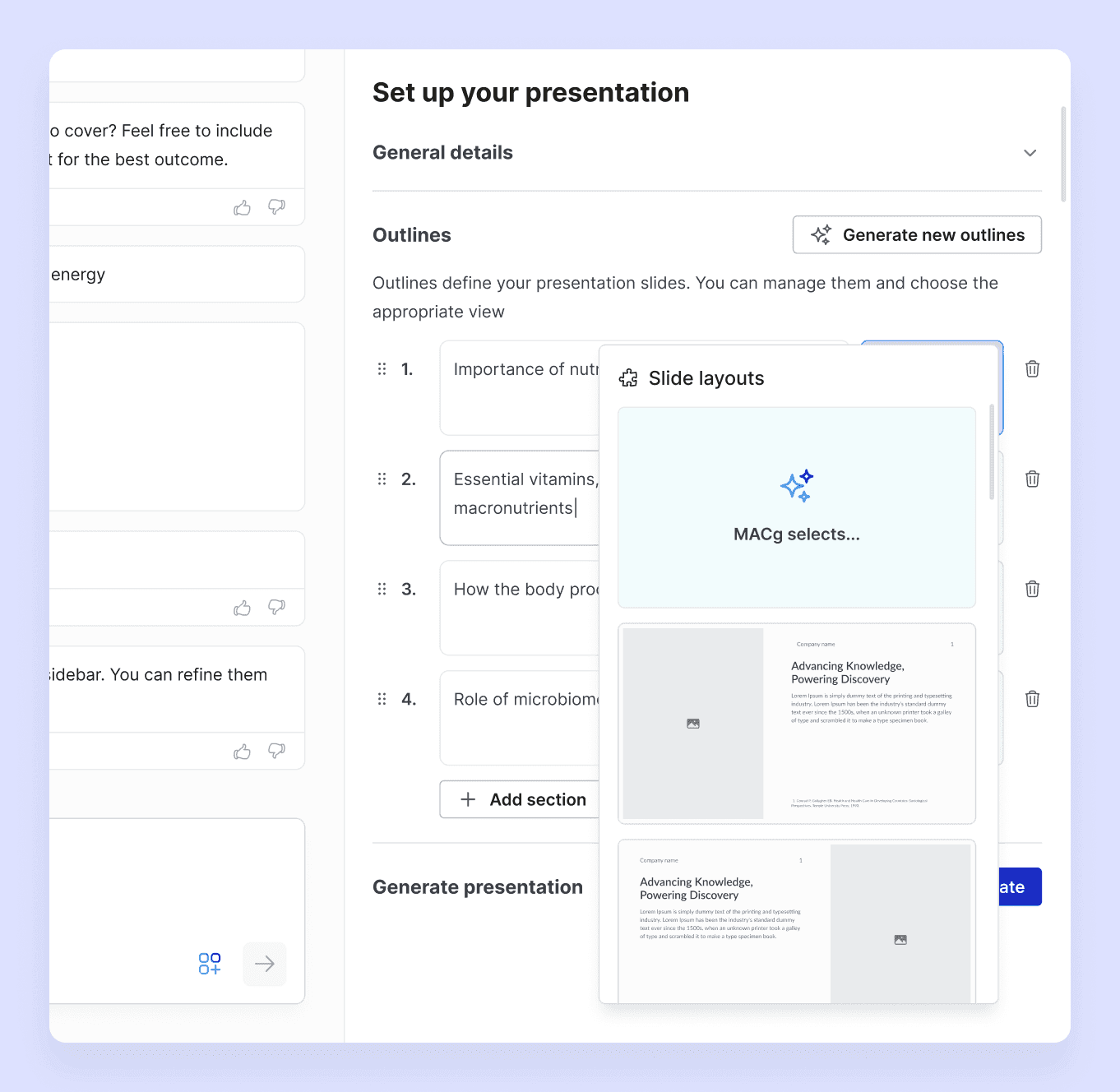
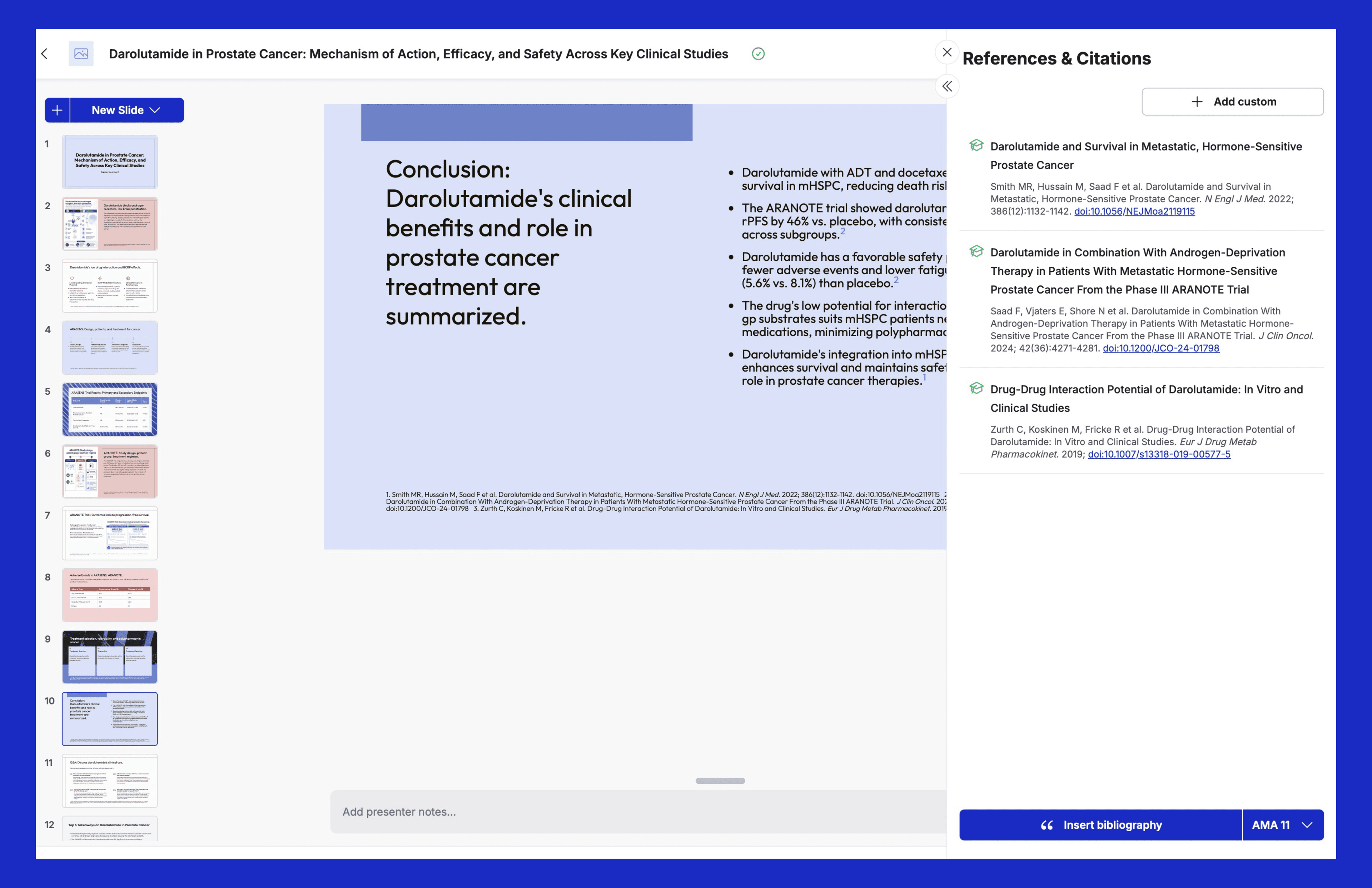
Build a well-structured presentation before generating a single slide. MACg helps you organize your message, tailor it to your audience, and create a logical scientific story from the outset.
Plan with Purpose Generate a presentation title, outline, and executive summary aligned with your audience, objectives, and available presentation time.
Match Your Presentation Requirements Select the number of slides to meet conference, training, or meeting requirements.
Optimize for Scientific Communication Choose presentation themes designed for readability, accessibility, and scientific content.
Intelligent Slide Organization Select individual slide layouts or let MACg recommend the best format for methods, results, figures, tables, and discussion slides.
Easily Refine Your Story Add, remove, or reorganize slides at any time and regenerate your outline as your presentation evolves.
Refine Every Slide with Scientific Precision
Once your presentation is generated, use MACg to refine each slide while maintaining scientific accuracy, consistency, and a cohesive narrative across the entire deck.
Keep Your Story Consistent Add or reorganize slides while maintaining terminology, messaging, and the logical flow of your scientific narrative.
Refine Every Element Edit or regenerate text, charts, figures, tables, and images to improve clarity or incorporate new scientific evidence.
Improve Scientific Communication Instantly rephrase, shorten, expand, or simplify content while preserving scientific meaning and context.
Maintain Brand & Compliance Create reusable presentation templates with locked logos, disclosures, and corporate branding for consistent scientific communications.
Keep References Organized Automatically generate slide-level citations and presentation bibliographies in standard scientific formats.
Present with Confidence Generate AI-assisted speaker notes and export fully editable PowerPoint or PDF presentations for meetings, education, peer review, or conferences.
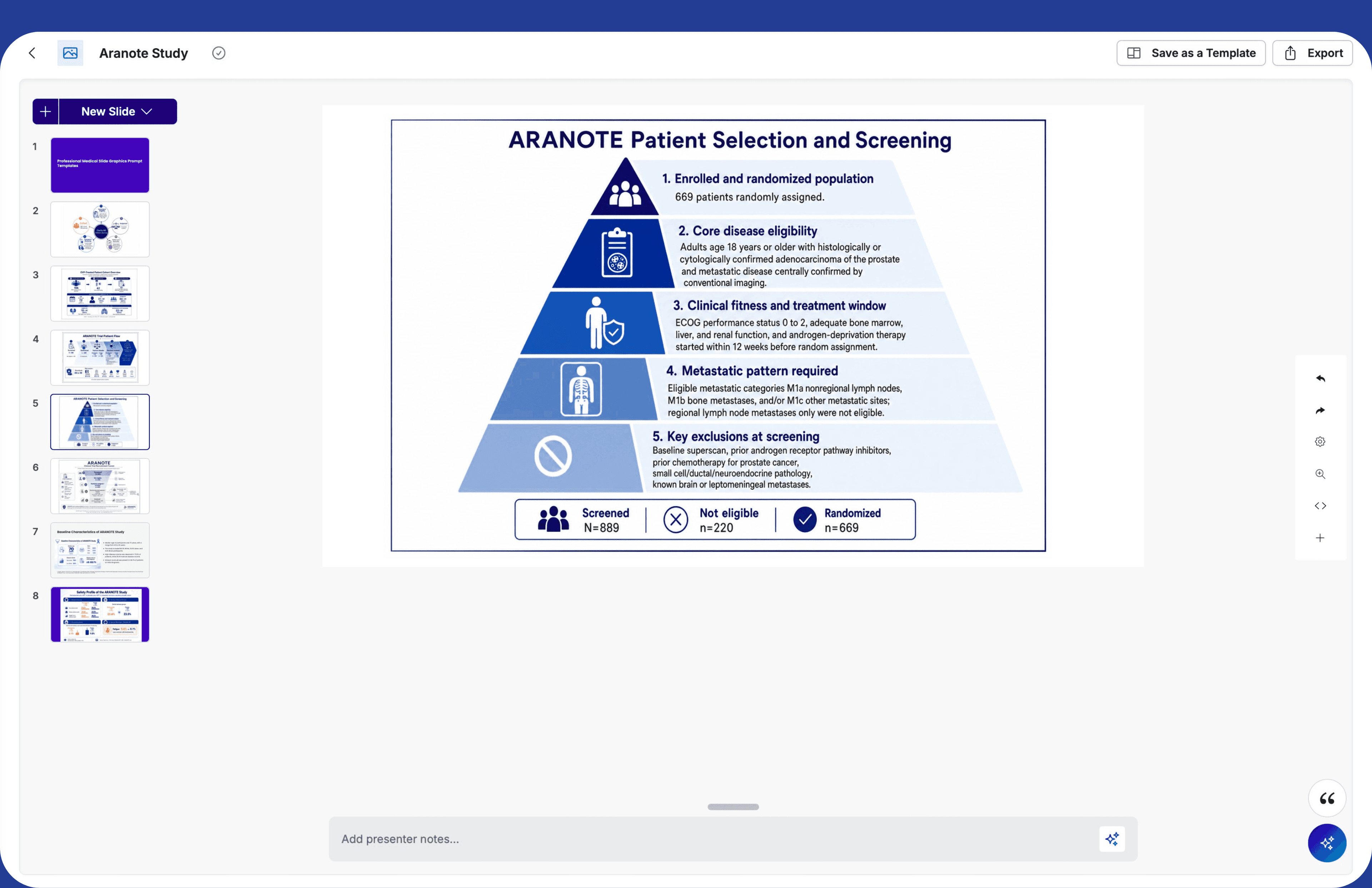
Evidence Traceability Built Into Every Presentation
Maintain scientific rigor with citations and references integrated throughout your workflow. MACg ensures your presentations are traceable, review-ready, and supported by trusted sources.
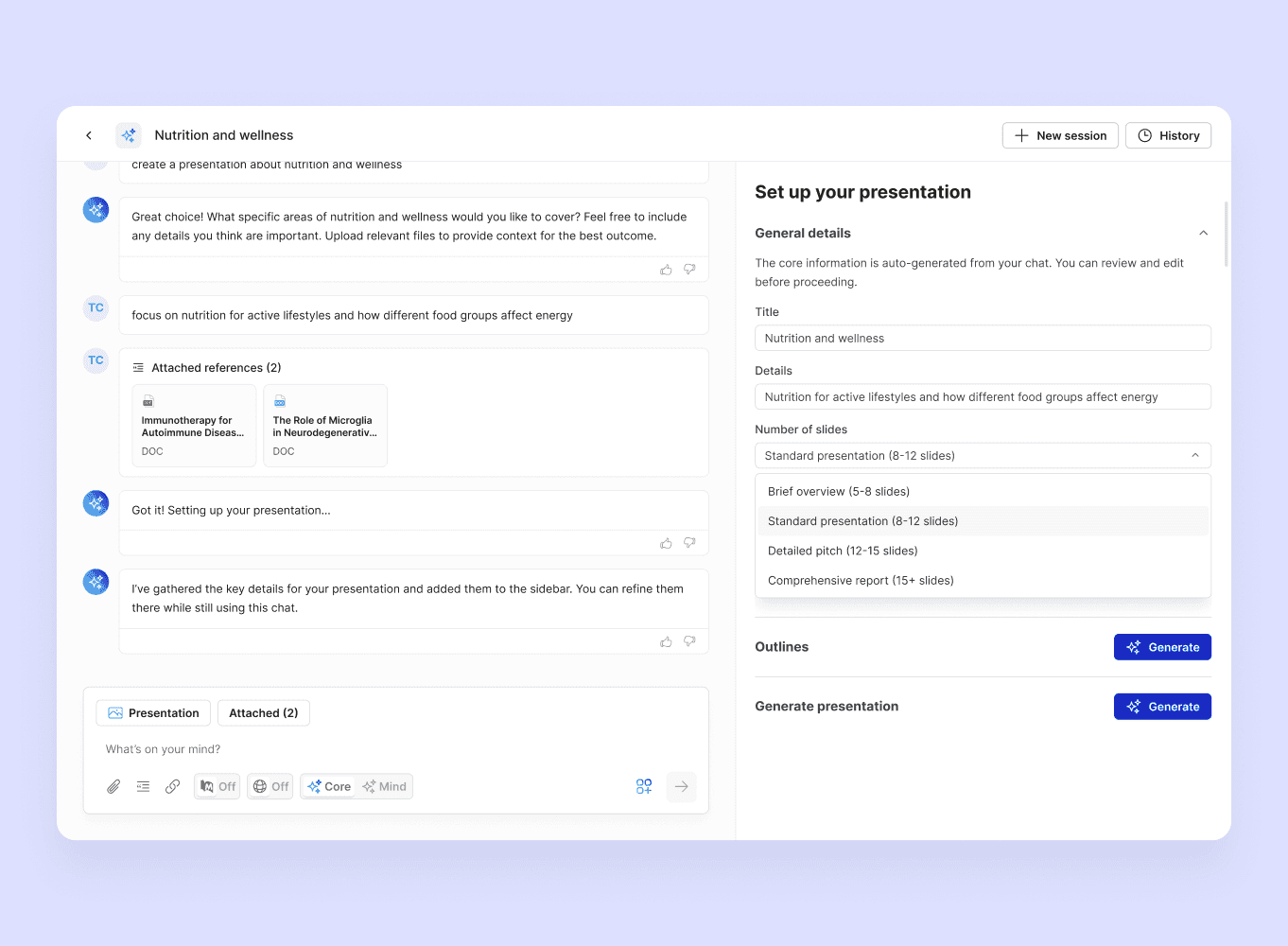
Slide-level Citations Automatically add and manage citations as slides are created, edited, added, or reordered.
Reference Management Generate deck-level bibliographies in AMA, APA, or MLA formats.
Traceable Evidence Sources Links citations to PDFs, web sources, and documents in your MACg workspace for transparent evidence tracking.
Built for Scientific Presentations Across Life Sciences
MACg's scientific presentation generator creates presentations for every scientific workflow.
Conference & Scientific Meetings Transform abstracts, research findings, and new data into presentation-ready scientific decks.
Journal clubs and Grand rounds Create clear summaries, speaker notes, and educational presentations for multidisciplinary audiences.
Medical Affairs and HCP Education Develop branded, reference-supported presentations for scientific exchange, training, and education.
Research Updates & Data Reviews Rapidly update visuals, findings, and key messages as new evidence becomes available.
"I tried MACg in a free trial, and it delivers on scientific accuracy. I particularly like the PPT generation option. "
I had an international conference where this was extremely helpful.

Previously, I relied on EndNote for citation generation, but MACg takes it further by allowing me to pull, cite, store, and manage references all in one platform seamlessly integrated with PubMed. It is designed with medical writers in mind—helping gather information, providing detailed scientific prompts, suggesting and finding relevant references, retaining links, and summarizing content—all within the same dedicated workspace. On top of that, the in-built editor makes refining content simple and efficient.

I used to spend HOURS researching a single article. Drowning in PubMed rabbit holes, juggling 15+ tabs for every project, switching between multiple Google Docs and getting lost in the process. It was beyond exhausting. I was skeptical about using AI in my process after too many garbage outputs, but I gave MACg a shot anyway. I needed an article on ADHD and nutrition, so I said, “why not?”. Within minutes, I had solid research and a pretty solid first draft. After a few quick iterations, my article was publication-ready. Time savings = unmatched. What ultimately sold me: I was able to do everything in one spot…research, prompting, drafting, writing/revisions. No more 15+ tabs for one project. (and a lot fewer headaches) If you want to drastically cut your time and get quality outputs fast, try MACg.

MACg by AINGENS is a next-step technology in life science content generation. From formatting grammar to complex medical/clinical summaries, I found the MACg system to be trustworthy. It is exciting to see the progression of AI in this application and the potential benefits, time savings, accuracy, and creativity, all realized in MACg.
With MACg’s ability to integrate PubMed references directly into documents, that challenge becomes effortless. It’s more than just an AI tool—it’s an innovative platform that empowers medical writers and communicators to work smarter, not harder.

I tried MACg in a free trial, and it delivers on scientific accuracy. I particularly like the PPT generation option.

Create Your Next Scientific Presentation with MACg
Transform research, clinical data, and scientific evidence into presentation-ready slides with an AI workspace built for healthcare and life sciences.
Frequently asked questions
How is MACg different from ChatGPT, PowerPoint Copilot, or other AI presentation tools?
What is MACg’s Scientific Presentation Generator?
MACg is an AI-powered presentation workspace built for healthcare and life sciences professionals. It helps users transform scientific evidence into presentation-ready content with AI-assisted writing, citations, visuals, and slide creation.
Can MACg create presentations from scientific literature?
Yes. Users can search scientific literature, work with trusted documents, and create presentations supported by references and citations.
Can I edit the generated PowerPoint slides?
Yes. MACg generates editable presentations that can be edited in MACg or PowerPoint and refined for conferences, education, scientific meetings, and internal review. The slides export to PowerPoint or PDF.
Is my data used to train AI models?
No. Customer data is not used to train AI models. MACg is designed with privacy and security considerations for healthcare and life sciences organizations.
Who uses MACg?
MACg is used by medical writers, healthcare professionals, medical communications agencies, researchers, and pharmaceutical/biotech teams.
Do I need AI experience to use MACg?
No. MACg is designed for scientific professionals who want to accelerate content creation without needing technical AI expertise.
Resources & News
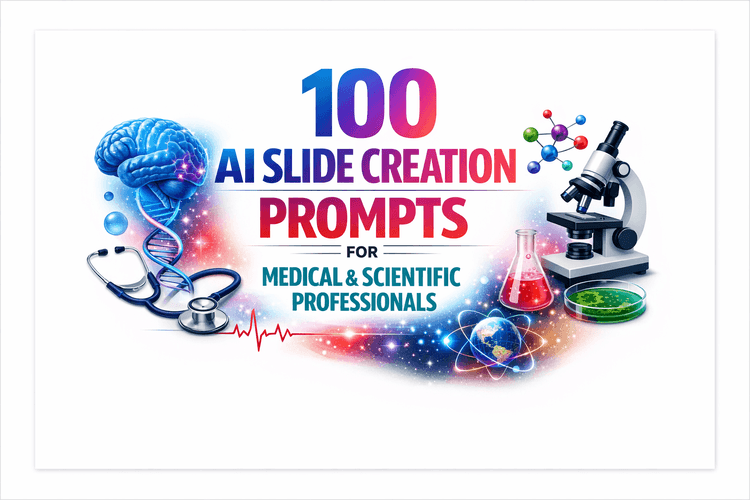
100 AI Slide Presentation Prompts for Busy Medical and Scientific Professionals
This article provides 100 ready‑to‑use AI prompts to help medical and scientific professionals create high‑quality slide presentations with MACg. The prompts are organized into practical categories, including clinical education, drug and mechanism‑of‑action decks, PubMed‑driven evidence reviews, specialty teaching, medical affairs and HEOR, training and curriculum, data‑visualization, and conference or grant presentations. Each prompt uses clear “Instruction:” wording and customizable placeholders (e.g., [condition], [audience], [timeframe]) so users can quickly adapt them to their specific topic and setting. By removing blank‑slide paralysis, the collection speeds up evidence‑based slide creation while supporting consistent, structured, and compliant communication.

Feb 4, 2026
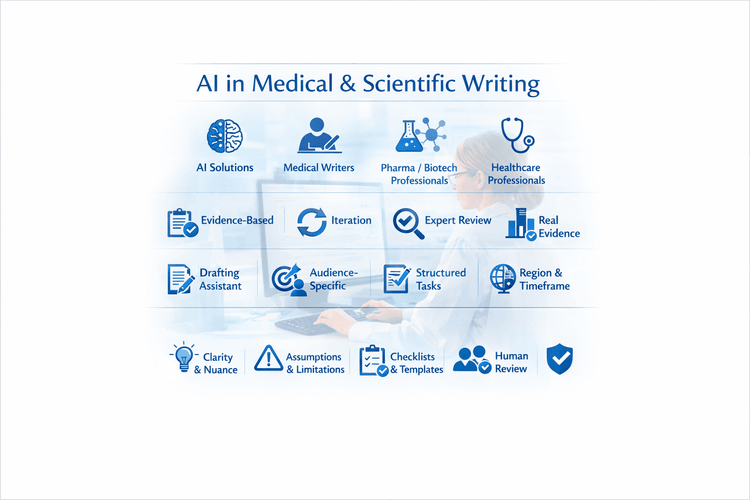
10 Tips For Using MACg and Other AI Solutions For Medical and Scientific Writing
This article shares 10 practical tips for medical writers, pharma/biotech professionals, HCPs, and researchers on how to use MACg and other AI solutions effectively and responsibly. It emphasizes that MACg's AI agent training knowledge is not a citable evidence base and must be anchored in real, verifiable sources such as publications, CSRs, labels, guidelines, and internal documents. Readers are encouraged to treat all AI outputs as Version 0.1, iterating with expert review rather than accepting the first draft. The article frames MACg as a drafting and thinking assistant, not an autonomous author, and stresses the importance of clear prompts about audience, purpose, region, timeframe, and scope. It recommends breaking complex projects into smaller tasks, using MACg to improve structure and clarity, and explicitly asking for limitations and caveats. Finally, it advocates creating institutional checklists and making expert human review and sign‑off mandatory for any impactful content.
Mar 1, 2026
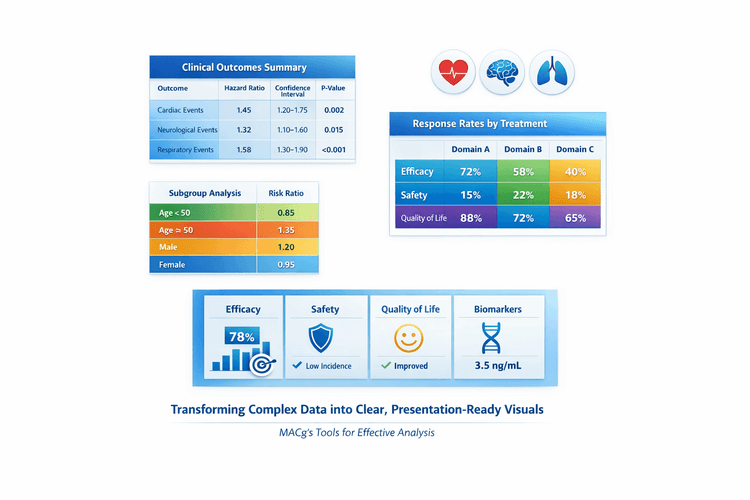
AI Slide-Ready Tables Made Easy: 10 Plug-and-Play Prompts for MACg Users
This article is a practical guide for MACg users who want to create beautiful, slide-ready tables from clinical and scientific data. It explains why the first slide output doesn't need to be perfect and shows how to iterate like a pro using MACg's image generator and flexible slide builder. The core of the article is a set of 10 copy‑pasteable prompt templates for different table styles, from primary outcomes and safety summaries to subgroup grids and multi-domain overviews. It also emphasizes attaching or pasting datasets so MACg can generate accurate, presentation-ready visuals.
Mar 27, 2026