MACg Reference Collections —
Organize, Search, Share, and
Use Your Scientific Sources

What Is Reference Collections In MACg?
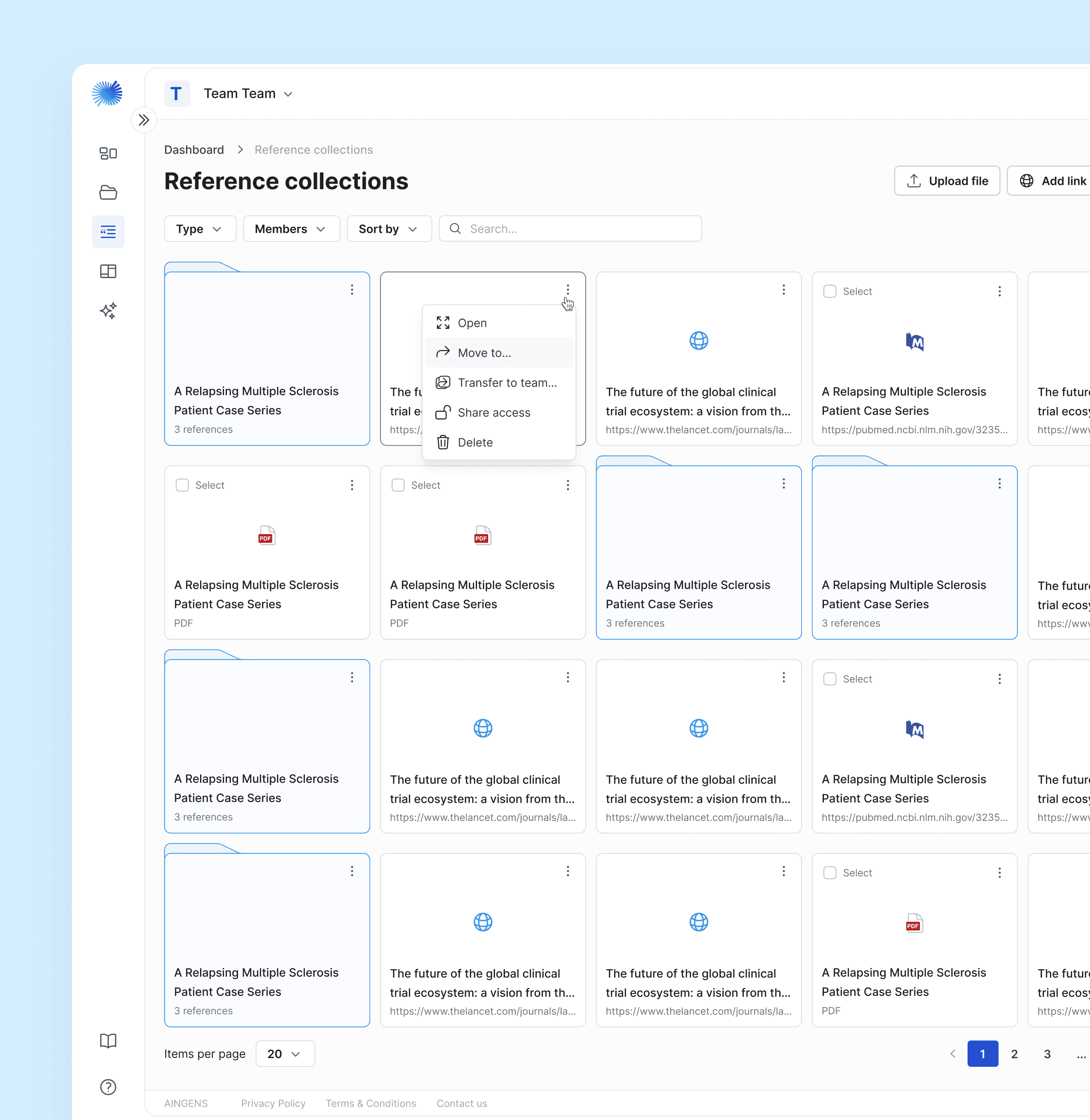
Reference Collections is MACg's unified, searchable reference manager for all your scientific sources. Store, organize, and share PDFs, web pages, slide decks, spreadsheets, datasets, and notes — then select individual documents or entire folders directly in chat or the editor to ground drafting, summarization, visualization, and citations.
How MACg's Reference Manager is Different
Automatic citation extraction: Upon upload, MACg extracts citation metadata (title, authors, journal, year, and DOI/PMID, where available) to generate AMA, APA, and MLA references.
Deep document processing: MACg processes diagrams, tables, charts, captions, and page numbers to improve searchability, figure referencing, and evidence table creation.
Precision source selection: Select specific documents or entire folders in chat to constrain generation to approved evidence.
Long-term retention with control: Keep content for as long as needed, with clear archive and deletion options and add-on storage when projects grow.
Private by default, share when ready: Keep files and folders private, then share securely with teams using RBAC.
Core Capabilities
Organize at Scale
Folders and subfolders for programs, TAs, indications, and workstreams.
Tags and custom fields for trial phase, population, endpoints, therapy class, and status.
Drag-and-drop upload; rename, move, merge, view.
Fast Sorting and Search
Sort by title, owner, file type, or last modified.
Search by file name.
Broad Source and File Support
PDFs (e.g., articles, posters, white papers), web pages, Word, PowerPoint, Excel/CSV, images, datasets, and notes.
Store PubMed and PMC records with extracted metadata.
Add internal documents and external links for complete evidence trails.
Select Sources in Chat
Choose individual documents or entire folders to guide Ask MACg during drafting and summarization.
Attach different types of files to chat.
Switch files on the fly to adapt to new questions or audiences.
Document Retention, Deletion, and Storage
Retain documents as long as needed with configurable retention policies for enterprises.
Expand capacity at any time with add-on storage.
Export and Handover
Export curated outputs to Word (DOCX), PowerPoint (PPTX), and PDF.
Generate evidence tables and bibliographies from selected sources.
Include cover pages, metadata summaries, and source manifests for audits.
Collaboration and Sharing
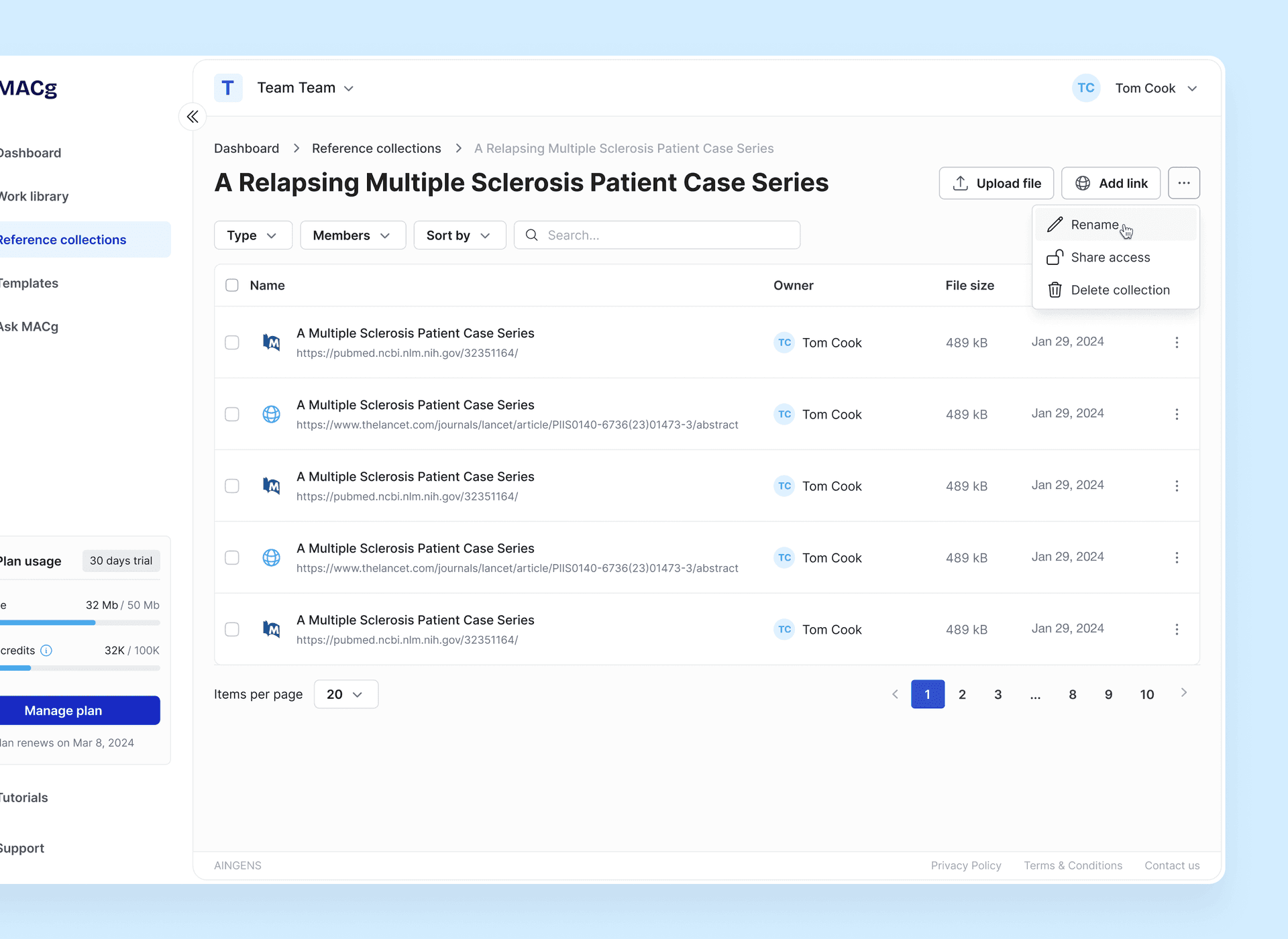
Folders are private by default; shareable with team members on Team or Enterprise plans.
Role-based access control (RBAC) to manage view, edit, share, export, and delete permissions.
How Reference Collections Power the Workflow
Key Features in Detail
Ingestion and Metadata
Automatic extraction of bibliographic fields and detection of figures/tables.
Duplicate detection and batch tagging.
Evidence Tables and Study Cards
One-click creation of structured summaries and comparison tables from selected sources.
Customizable fields (design, n, endpoints, outcomes, limitations) aligned to your templates.
Integrity and Traceability
Link citations in manuscripts, MI responses, slides, and other content back to files in Reference Collections.
Maintain a consistent evidence base across teams and deliverables.
Accessibility and Performance
Instant previews for PDFs and Office files.
Large-file support with resumable uploads.
Benefits of Using MACg’s
Reference Collections
Speed
Reduce time spent searching and re-finding sources; drive faster drafting and review cycles.
Accuracy
Constrain AI to approved sources; maintain consistent, auditable citations.
Collaboration
Shared libraries, comments, and roles keep teams aligned.
Reuse
Save searches, tags, and Collections to scale content across programs and regions.
Control
Private-by-default folders, retention and deletion policies, and expandable storage.
Frequently Asked Questions
Are my folders private?
What happens when I upload a PDF or web page?
Can I select entire folders in chat?
How long can I keep my documents?
What if I run out of storage?
Can I export my work?
Yes. Export documents to Word, PowerPoint, and PDF, including bibliographies.
Export all your documents if you stop using the platform.
Which file types are supported?
How does collaboration work?
Upload once and share files and folders with teammates.
Team members use the same references and a single source of truth.

MACg Reference Collections — the reference manager built for life sciences teams. Organize, search, select, cite, export, collaborate, and accelerate scientific writing.
Try it nowResources & News
100 AI Slide Presentation Prompts for Busy Medical and Scientific Professionals
This article provides 100 ready‑to‑use AI prompts to help medical and scientific professionals create high‑quality slide presentations with MACg. The prompts are organized into practical categories, including clinical education, drug and mechanism‑of‑action decks, PubMed‑driven evidence reviews, specialty teaching, medical affairs and HEOR, training and curriculum, data‑visualization, and conference or grant presentations. Each prompt uses clear “Instruction:” wording and customizable placeholders (e.g., [condition], [audience], [timeframe]) so users can quickly adapt them to their specific topic and setting. By removing blank‑slide paralysis, the collection speeds up evidence‑based slide creation while supporting consistent, structured, and compliant communication.

Feb 4, 2026
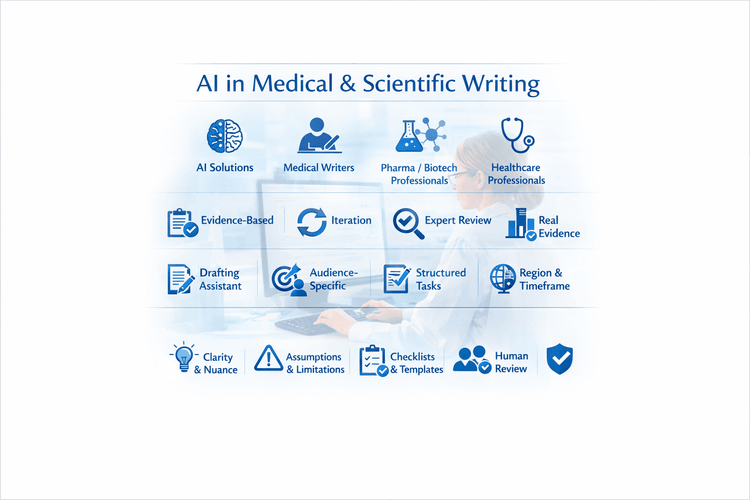
10 Tips For Using MACg and Other AI Solutions For Medical and Scientific Writing
This article shares 10 practical tips for medical writers, pharma/biotech professionals, HCPs, and researchers on how to use MACg and other AI solutions effectively and responsibly. It emphasizes that MACg's AI agent training knowledge is not a citable evidence base and must be anchored in real, verifiable sources such as publications, CSRs, labels, guidelines, and internal documents. Readers are encouraged to treat all AI outputs as Version 0.1, iterating with expert review rather than accepting the first draft. The article frames MACg as a drafting and thinking assistant, not an autonomous author, and stresses the importance of clear prompts about audience, purpose, region, timeframe, and scope. It recommends breaking complex projects into smaller tasks, using MACg to improve structure and clarity, and explicitly asking for limitations and caveats. Finally, it advocates creating institutional checklists and making expert human review and sign‑off mandatory for any impactful content.
Mar 1, 2026
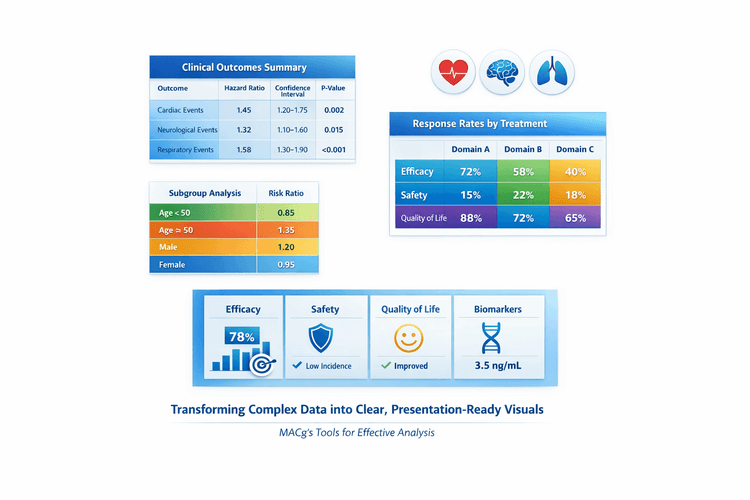
AI Slide-Ready Tables Made Easy: 10 Plug-and-Play Prompts for MACg Users
This article is a practical guide for MACg users who want to create beautiful, slide-ready tables from clinical and scientific data. It explains why the first slide output doesn't need to be perfect and shows how to iterate like a pro using MACg's image generator and flexible slide builder. The core of the article is a set of 10 copy‑pasteable prompt templates for different table styles, from primary outcomes and safety summaries to subgroup grids and multi-domain overviews. It also emphasizes attaching or pasting datasets so MACg can generate accurate, presentation-ready visuals.
Mar 27, 2026